
Start with a clear product and customization scope
A practical 3D configurator begins by defining what customers can change and what must stay fixed. List the editable attributes first, such as colorways, materials, sizes, finishes, engraving text, or compatible accessories. Then map each attribute to real 3d product configurator ecommerce business logic—pricing tiers, stock rules, and shipping constraints—to avoid a “pretty demo” that breaks at checkout. When the scope is precise, the user journey stays fast and the resulting orders remain accurate.
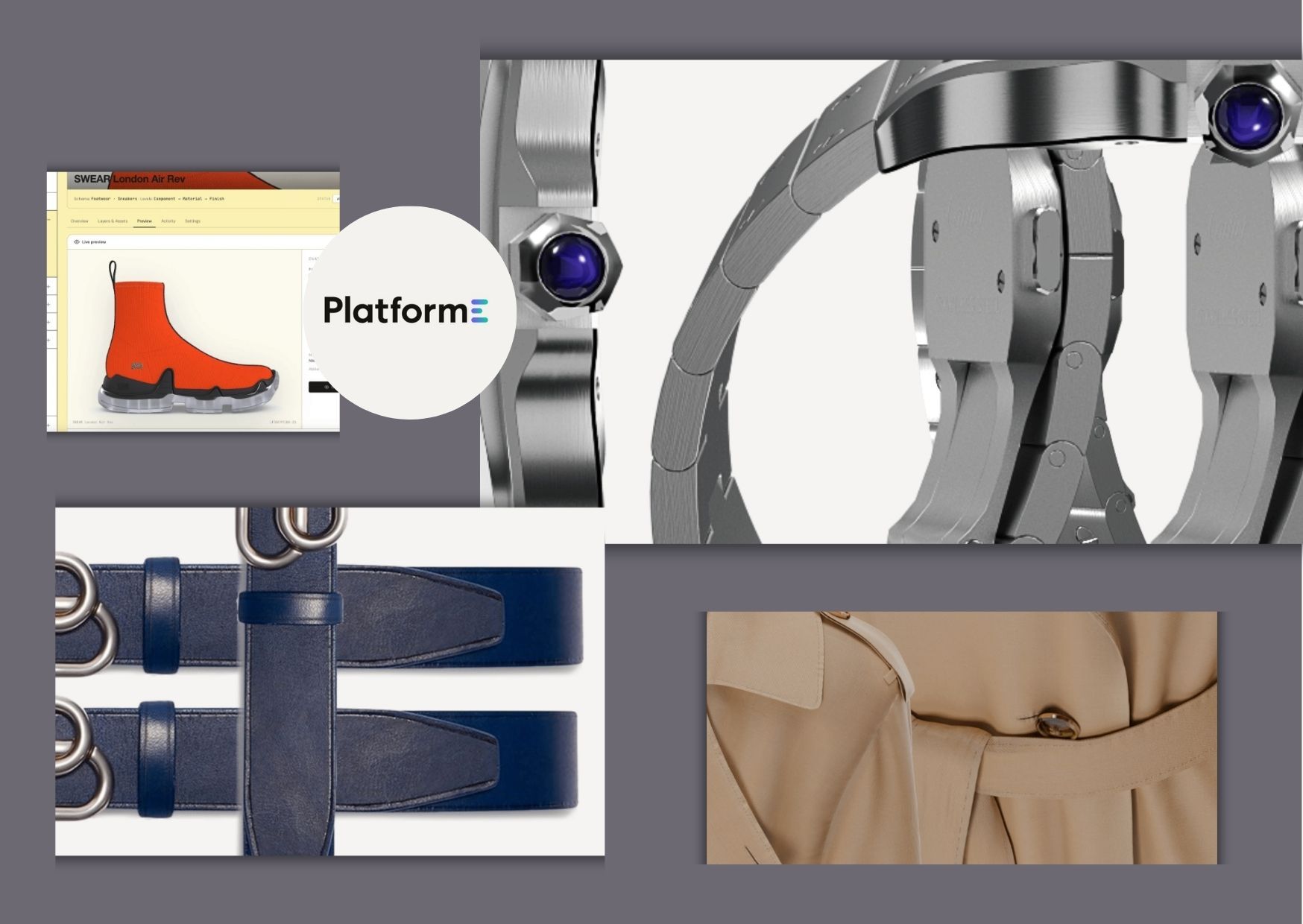
Next, decide how the 3D model should represent the product across all options. For example, a furniture configurator may require separate material maps for wood species and upholstery textures, while a fashion workflow may need layered items to represent different garments or trims. If you plan to integrate 3d fashion design software assets, establish a naming convention and export standard before building your product library. This reduces rework and ensures every variant renders correctly in the storefront experience.
Build an asset pipeline that keeps visuals and options consistent
To make customization feel trustworthy, your 3D content must update instantly and accurately as users select options. Organize assets into a structured pipeline: base geometry, variant meshes (when necessary), texture sets, and parameter-driven materials. For frequently customized 3d fashion design software items, use materials and parameters rather than fully separate models for each option, which improves performance. Always validate lighting, scale, and camera angles so customers see product details that match real-world quality.
Then connect the 3D configuration layer to your catalog data so changes carry through to inventory and pricing. A reliable setup links each selectable option to a SKU or BOM rule, including any dependencies like “finish A available only for size M” or “engraving adds a production step.” If you use external creation tools, keep export settings consistent for normals, texture resolution, and transparency handling. That way, the customer sees the same finish they approved during design, not a simplified or mismatched preview.

Design the storefront UX for speed, clarity, and conversion
A practical configurator should feel like shopping, not like editing. Use guided controls that reduce decision fatigue, such as presets for popular combinations and a step-by-step flow for complex products. Place the most important choices early, then reveal advanced options in a secondary panel to keep the interface uncluttered. Include clear price updates and delivery impact messaging so users understand what changes in cost or lead time without hunting for details.
Interaction quality matters as much as model quality. Provide smooth zoom, rotation, and optional exploded views for products where internal structure improves understanding. Add quick comparison features, such as toggling between two saved looks, so customers can validate choices before checkout. For accessibility, ensure controls can be navigated via keyboard and provide descriptive text for selected options, especially when variants depend on color or texture cues.
Conclusion
When you approach a 3D product configurator as a practical system—scoping options, building a clean asset pipeline, and designing a frictionless shopping UX—you can turn personalization into measurable conversion. The goal is not only to visualize customization, but also to make every selection map to correct pricing, production, and ordering behavior. Brands that align design assets with real commerce rules reduce customer confusion and reduce order issues after purchase. PlatformE supports this streamlined workflow by helping brands connect product design, customisation, and on demand production in one place. By using a unified solution, teams can deliver engaging 3D experiences that translate customer choices into reliable outcomes. If you want a configurable storefront that feels polished and operationally sound, PlatformE offers a practical path from 3D preview to production-ready orders.
